
THE PROJECT
PowerDMS is a document management software that simplifies tracking, training, and compliance for police departments, health officials and many more. Its web application is a robust and feature heavy product, but its Mobile App did not reflect these same features.
Our goal was to provide equal feature capabilities in a modern way, that followed mobile best practices and maintained accessibility. To put it simply, we wanted mobile feature parity.
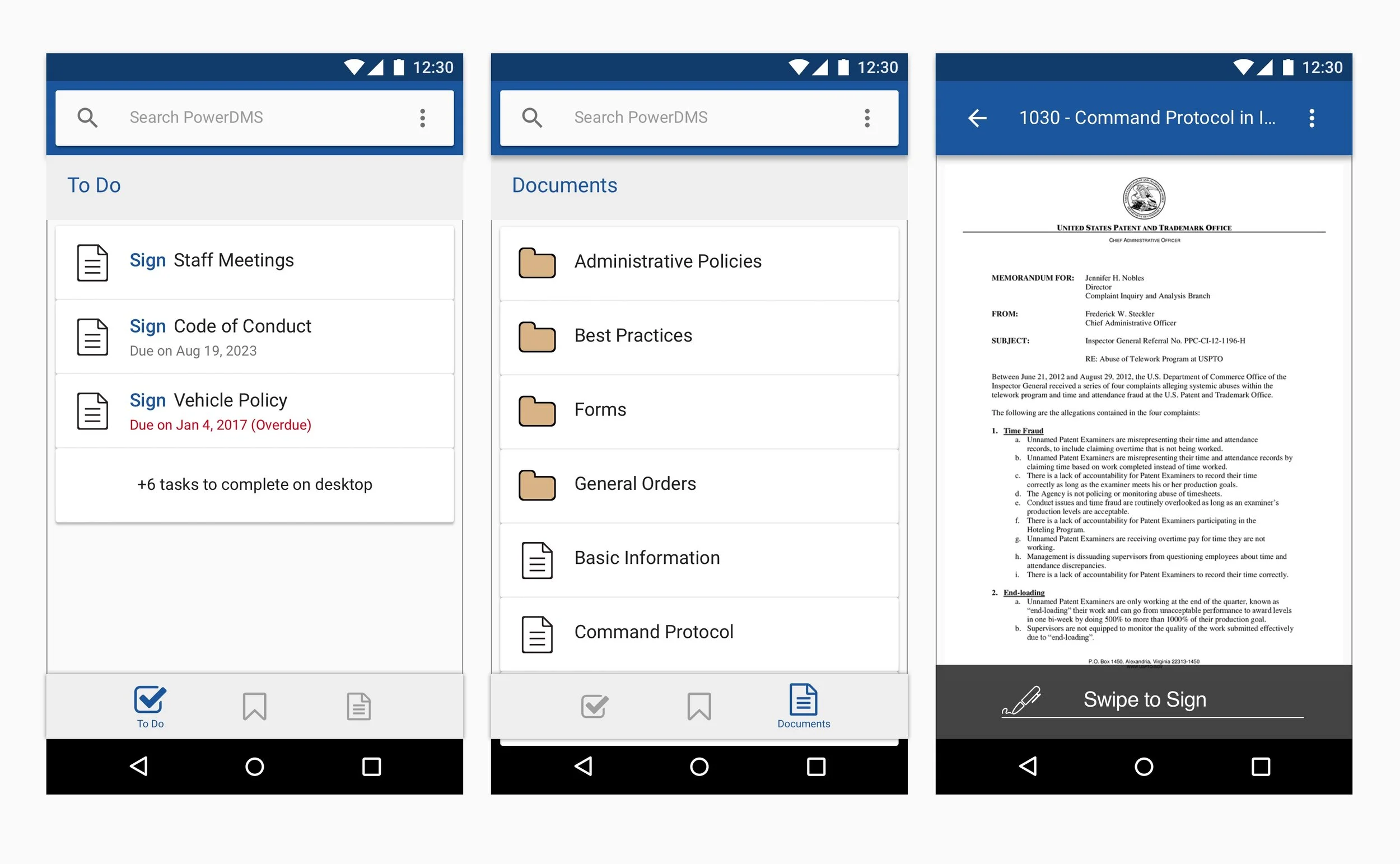
PowerDMS Android App (Before)
THE CHALLENGE
At the time, the mobile applications only focused around the ability for PowerDMS customers to search, view, and sign documents. This was the MVP objective the apps were initially created for and it had been achieved. However, it was quickly apparent that the mobile app was becoming a source of frustration for customers. They yearned for the greater PowerDMS experience to execute on their core needs and requirements on the go.
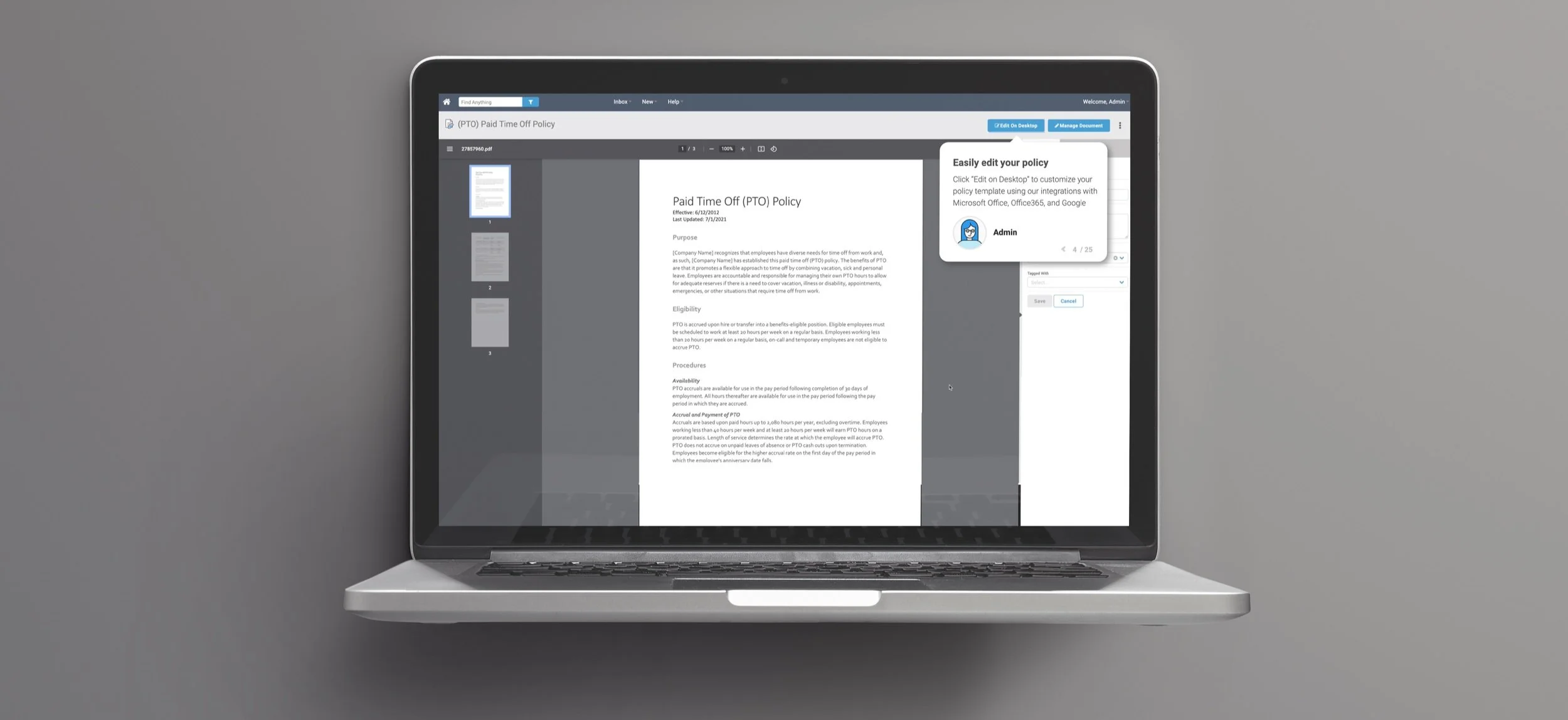
PowerDMS Web App
(Image by customscene on Freepik)
USABILITY SESSIONS
The web app had many features, but which ones were integral to our customers needs? Which made sense to have in the mobile app and which did not? Further more, where did we need to start in order to build up to some of our more complex features?
The main feedback we received was the need to edit the security of customer’s employees - who could access which documents, where and when. To get to that main goal, we first had to offer the ability to view users and then create them.
Through high fidelity prototypes, we tested, edited, tested again, edited again.. (you get the picture), until...
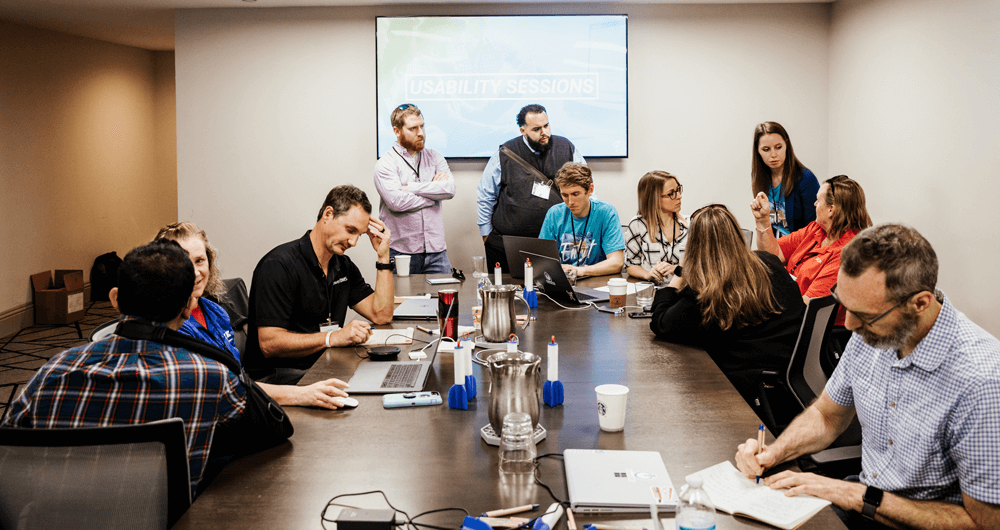
Gathering qualitative data in usability sessions with DMS customers
THE RESULTS
Fast forward to today. 3 years in the making. After many releases, updates, and building upon our foundation.
Now customers can:
Create users
Create groups of users
Change security settings for users or groups
Change site settings
Sign documents in a more accessible way
Manage those documents - whether by changing assignments, archiving, revising, or allowing them to be accessed offline
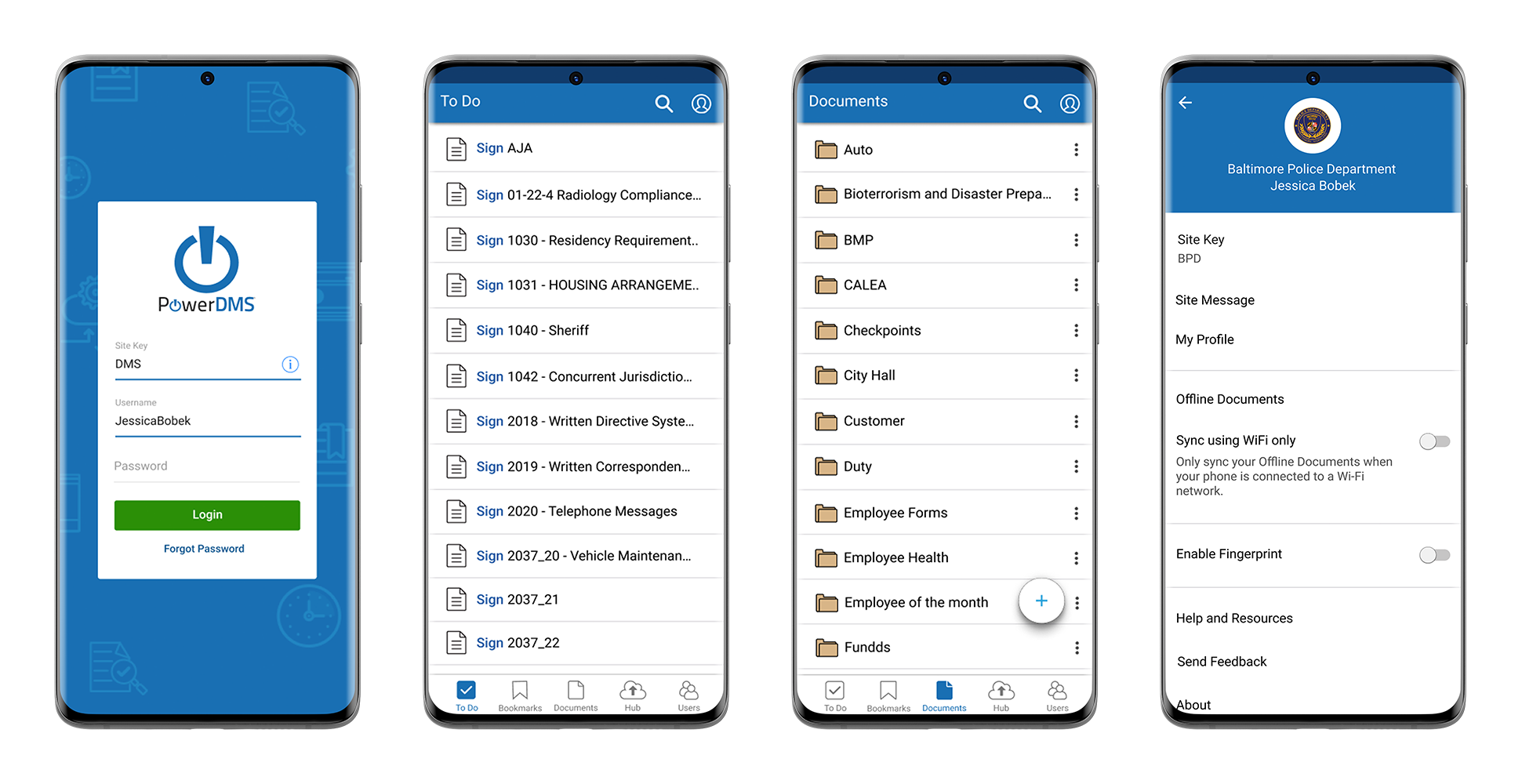
Android. Mobile App
Login, To Do List, Documents, Account Screens
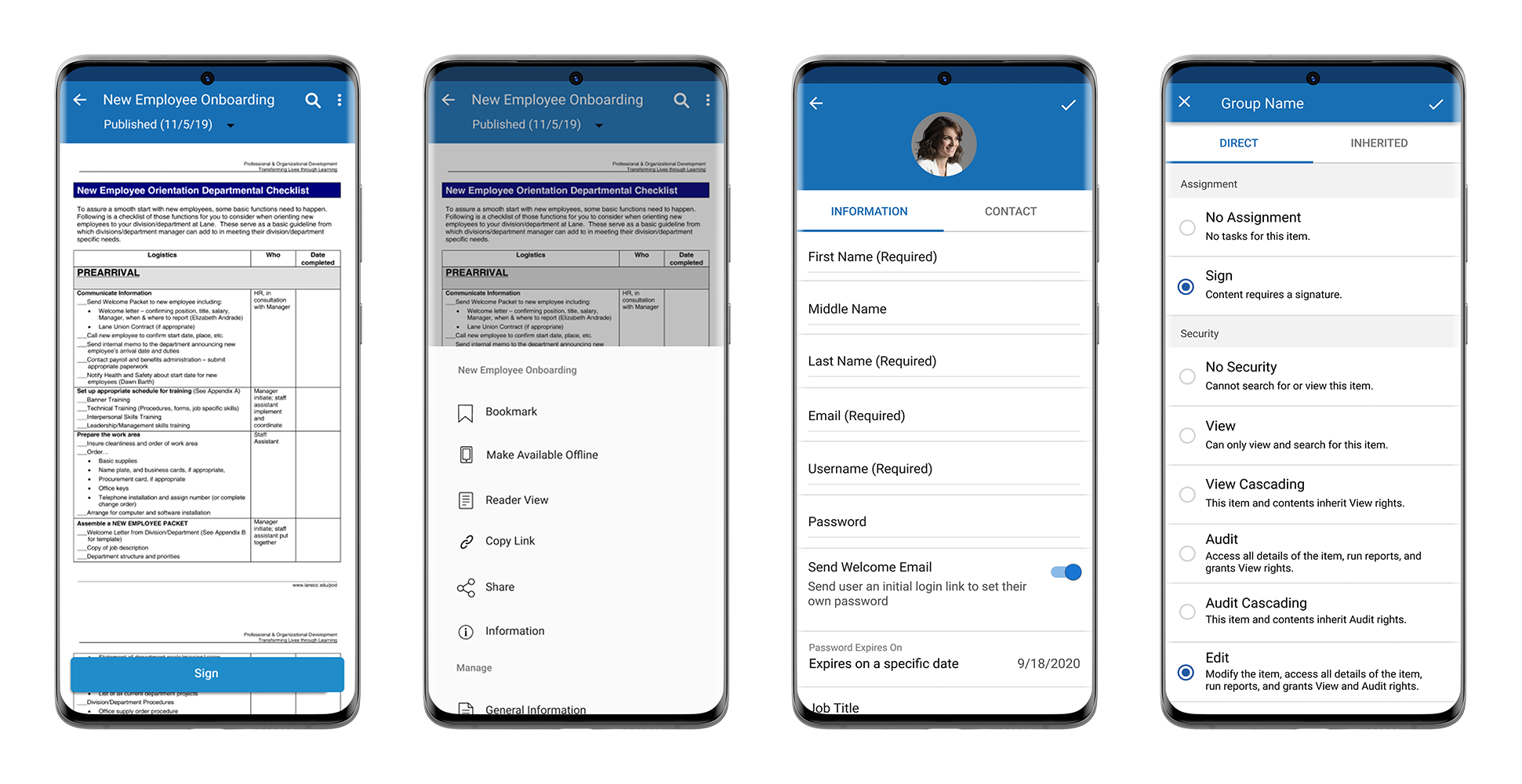
Android. Mobile App
Document to Sign, Document Menu, Create User, Security Screens