
THE PROJECT
Everyone writes about their experiences or studies that went well, but what about those that didn’t go as planned? It all revolves around Mobile Data Management (MDM).
MDM is a method to monitor and manage mobile devices, such as smartphones, tablets and laptops supplied by an organization. This management, generally conducted by IT departments, can be either on-premises or from the cloud. So, for example, if you were a new employee, I could issue you a device which I control all security, versioning and application downloads.
PowerDMS, a document management company, sought to provide Mobile Data Management for their customers. It was my task to see if it would be valuable to include information and details about MDM in their product’s settings.

RESEARCH AND MOCKUPS
Key things to consider with this design:
Where are users likely to expect to find this in the app?
What aspects do our users need to know?
Likewise, what would be nice to know?
What portion of our users does this apply to?
Should this be available to all?
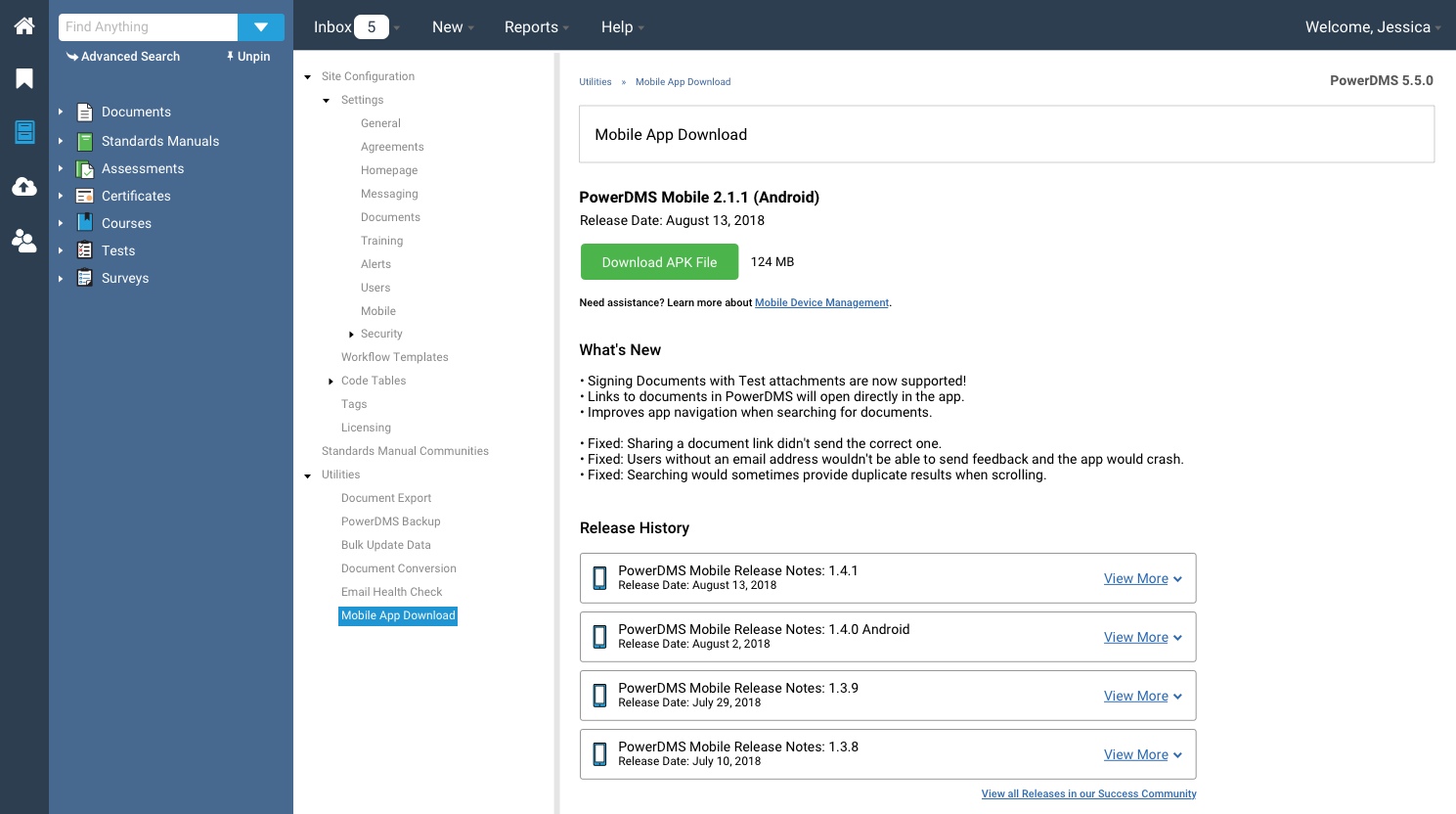
Our first assumption was to include this within our other mobile-centered settings, which would be available to all who use the web application. We wanted to provide these users with a way to download the appropriate file, find information on the latest release, and provide access to previous release history.
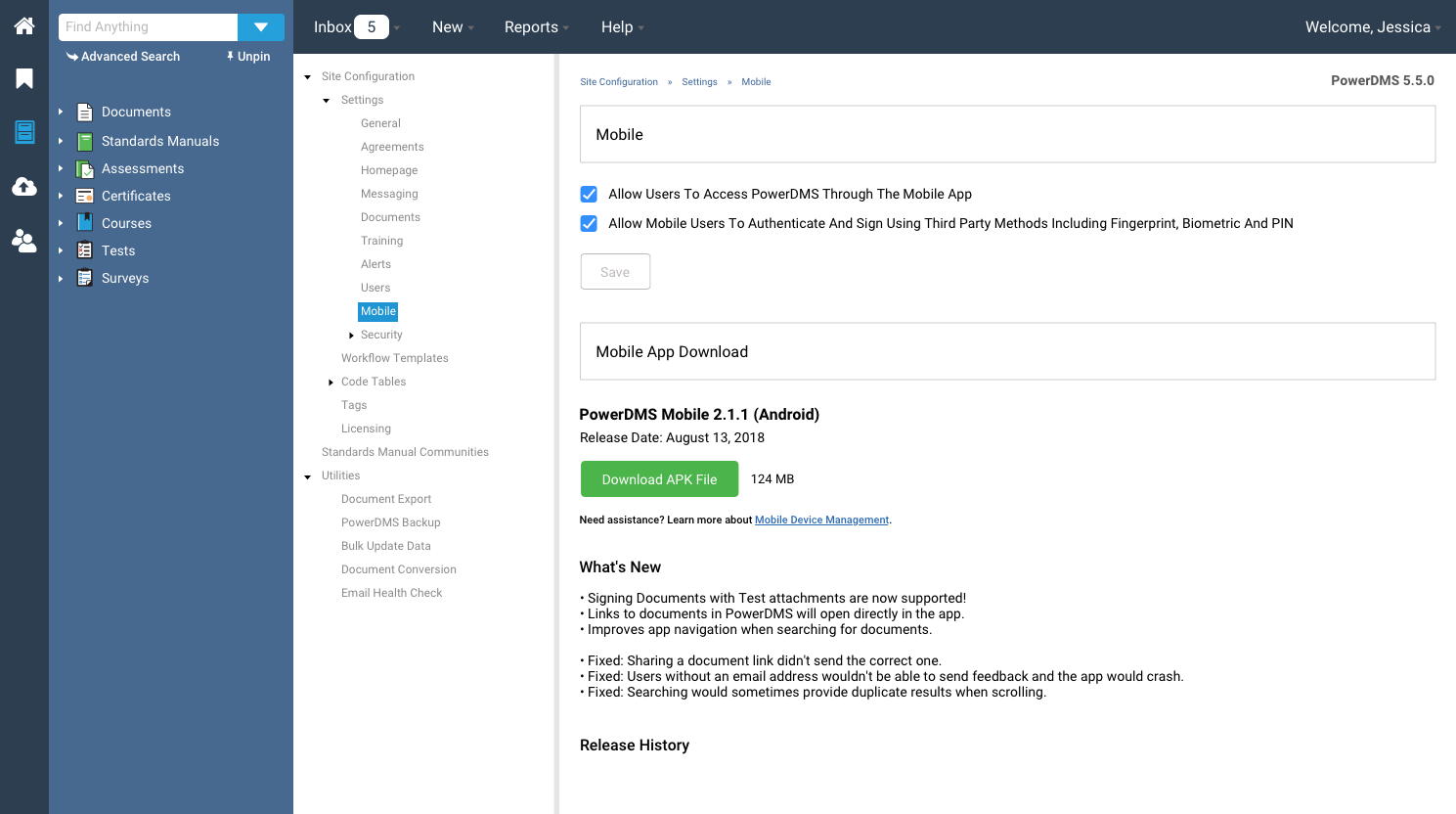
USABILITY SESSIONS
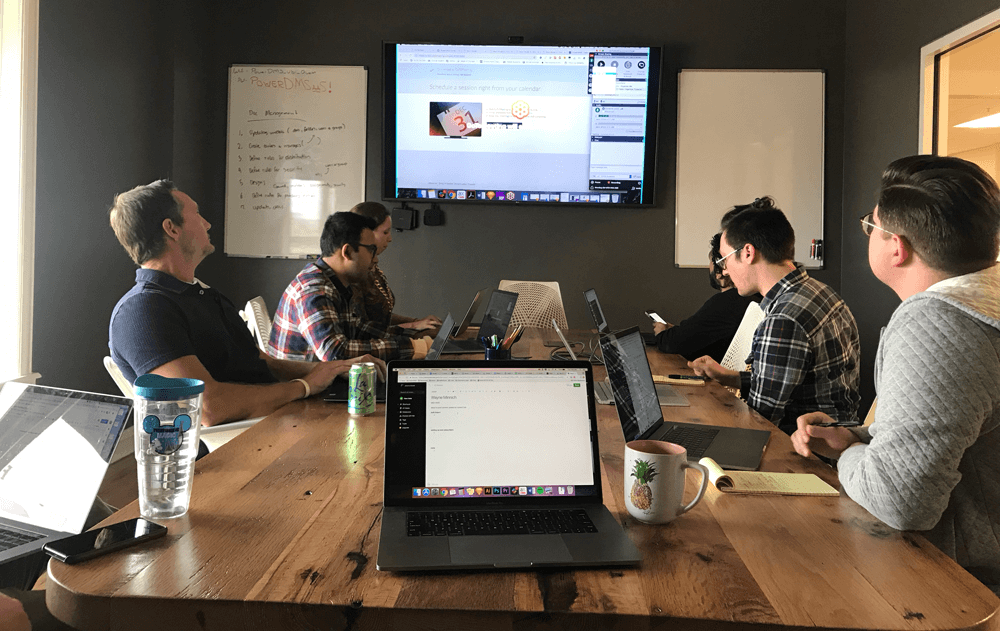
Because Mobile Data Management is controlled by a more high tech audience, it was important to test our prototype with specific users that already have knowledge about it.
What we found:
Users wanted this to be separate from the rest of the mobile related settings
Users did not view this as a “setting”, but as a Utility.
Then, after altering our design with this feedback, we started seeing a new trend in feedback - “why is this is in the app at all?”
THE RESULTS
In the end? Our assumptions were not validated. Mobile Data Management did not belong in the app, and ultimately we included MDM information in a monthly customer email.
TLDR;
* Don’t be afraid for things not to go according to plan.. in life and in UX.
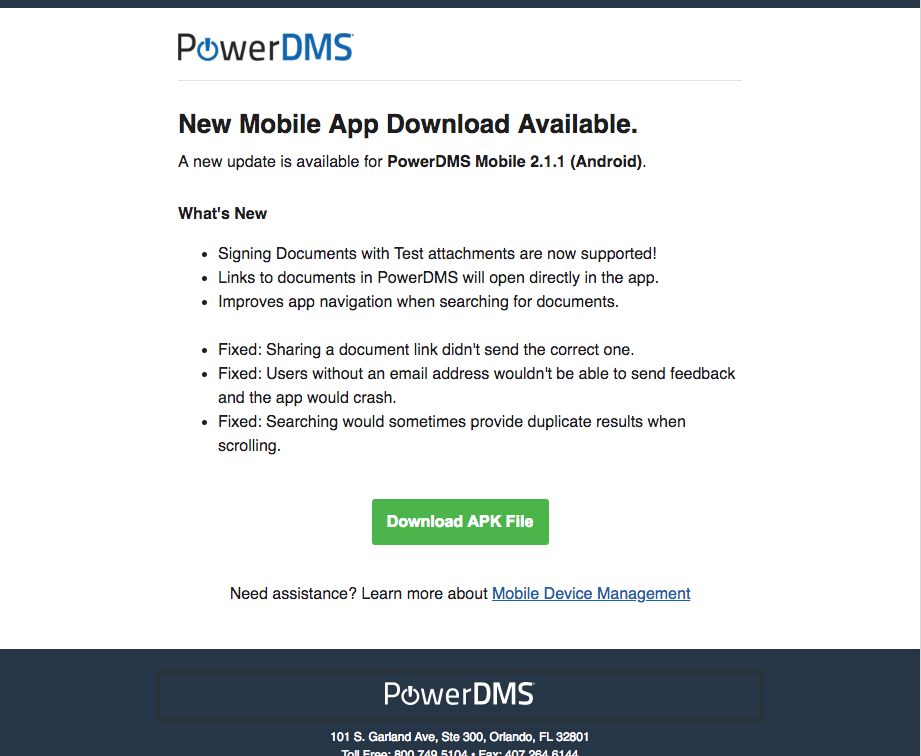
Our monthly MDM Email